

 Sign In


TSR Download Basket
HelpcenterAuthor: The Sims ResourcePublished: Jan 23, 2012Views: 3083
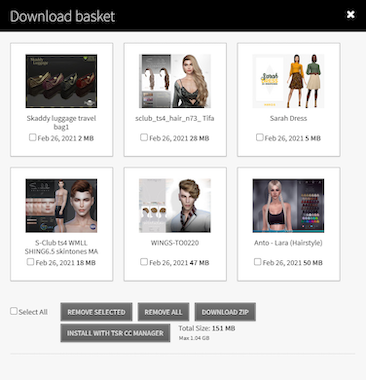
The download basket is a tool exclusive to TSR that enables you to 'store' picked creations, which you can later download in one ZIP file when you choose. The downloads basket can be viewed by clicking on the basket icon in the top of the website. It is available for all VIP members on TSR.
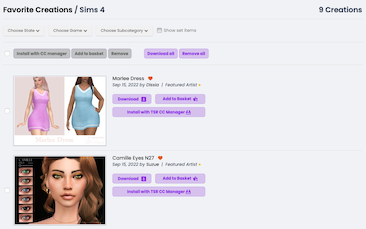
When you're downloading a creation, you should see two buttons . You need to press the button that's says "Add to basket".
You can see the total number of items in your basket next to the basket icon on top of your screen. The maximum number of items for the basket is 500. When you want to download your items, simply open up the basket by clicking on the icon at the top of the page, and download away!









 Limited Time Offer
 For a limited time only, we’re giving away a free


