
 Sign In
 Support


How to export lots from The Sims 3
So you have created your dream house in the game, and now you want to share it with others on The Sims Resource. It's really easy, learn how to do it here. First of all, once you are happy with your Lot, make sure to grab at least two screenshots of it showing both the exterior and interior.
1. Share Lot
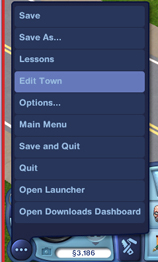
Time to export the actual lot file. Start by entering Edit Town mode.
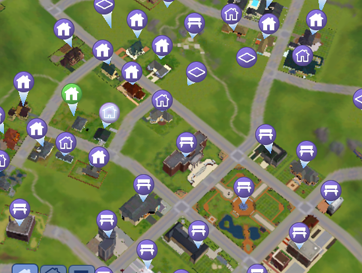
Click on the house you want to Share in the town map.
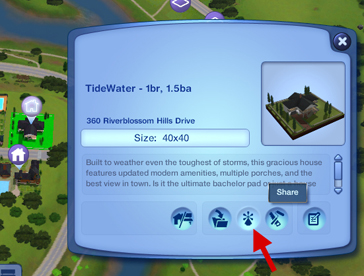
Click the the * symbol to Share your lot.
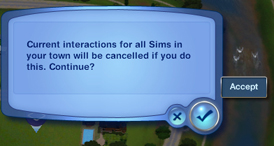
You will get a warning about interactions being interrupted, but as you probably have focused more on building than playing, that shouldn't be a problem.
2. Enter Name and Description
Now give your Lot a proper name and description.
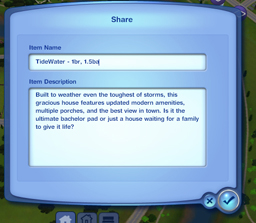
You have now exported your Lot from the game, and it's ready to be uploaded to TSR.
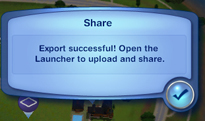
3. Locate Sims3Pack
You can find your lot as a Sims3Pack file in the folder:
My Documents\Electronic Arts\The Sims 3\Exports
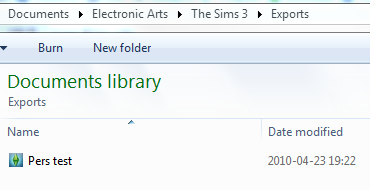
In Sims 3 Submissions browse to this place to upload the Sims3Pack.









 Limited Time Offer
 For a limited time only, we’re giving away a free


